Draw the renovation.Walk it before you build.
Trace your floor plan in the browser, mark the walls that come down and the ones that go up, place every socket and switch, then walk the finished rooms in 3D. Free, no install, no account.
Free. No account needed.
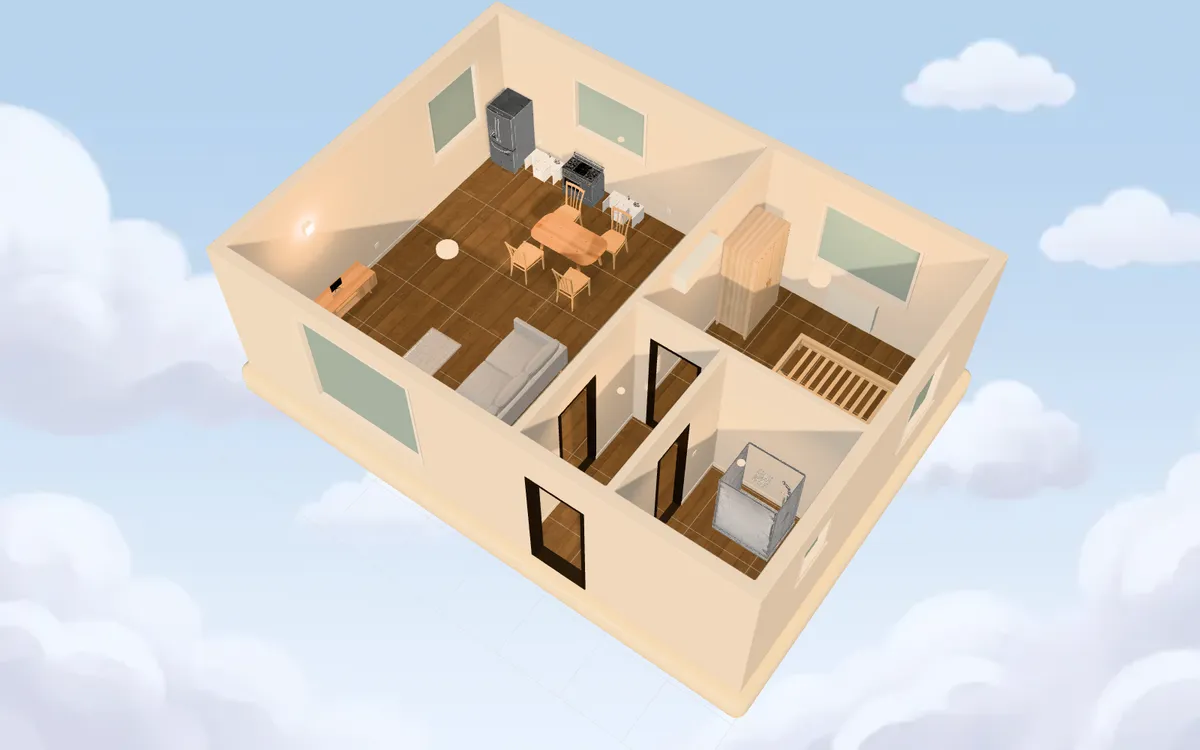
From the drawing you have to the rooms you'll live in.
- 01 · Trace
Start from any plan.
A PDF from the agent, a scan from the land registry, a phone photo of a sketch. Set the scale once, click a wall and Smart fill captures it.
- 02 · Draft
Draw what changes.
Doors with their swing, windows, sockets, switches, lights and plumbing, each on its own layer. Rooms name themselves and show their area.
Step inside.
The same plan becomes rooms you can walk through, furnished at true size, lit by day or by lamplight.
Plan the work, not just the furniture.
Most room planners stop at the sofa. A renovation is walls, wiring and pipes, and that is what you need to agree on before anyone picks up a drill.
- Existing, new, demolish
- Mark every wall, door and fixture with its state. New work is hatched, demolition is dashed in red, and the 3D shows the finished result.
- Sockets, switches and lights
- Place electrical points on the wall they belong to and link each switch to the lights it controls.
- A check on every room
- Each room counts its sockets and lights against the recommended minimums (CEI 64-8 in Italy, NEC in the US) and flags the ones that come up short.
- A sheet for the contractor
- Export a PDF with the plan, a symbol legend and the quantity of every point, room by room.
- Existing
- New
- Demolish
Room check
| Room | Area | Sockets | Lights |
|---|---|---|---|
| Bedroom | 10.9 m² | 2/3 short | 1/1 |
| Living room | 28.1 m² | 5/5 | 4/1 |
| Hallway | 3.2 m² | 0/0 | 1/1 |
| Bathroom | 4.8 m² | 1/1 | 1/1 |
Computed live from the plan above, against the NEC minimums.
Quantities
- Sockets
- 8
- Switches
- 5
- Light points
- 7
- Plumbing points
- 7
Hand it to your electrician.
Open the editorShow the client the room before the first quote.
Clients read a 3D room faster than a plan. Draft the layout, send a link, and walk through it together on the call.
- Share a link
- A read-only viewer anyone can open in the browser. Nothing to install on the client side.
- Metric or imperial
- Work in centimetres or feet and inches; exports follow the setting.
- Plan sheets as PDF
- Measured plan, legend and services schedule, ready to attach to a proposal.
Team workspaces and more saved projects are coming with the paid tiers.
Not a CAD app.No ribbons, no licences, no learning curve.
Not a cartoon planner.Real sizes, real clearances, rooms that read true.
Not an AI gimmick.The tracing is geometry and the 3D is a live render.
Layroom is for people who have a floor plan and a decision to make. Homeowners before the builders arrive. Renovators pricing a job. Architects before the pitch.
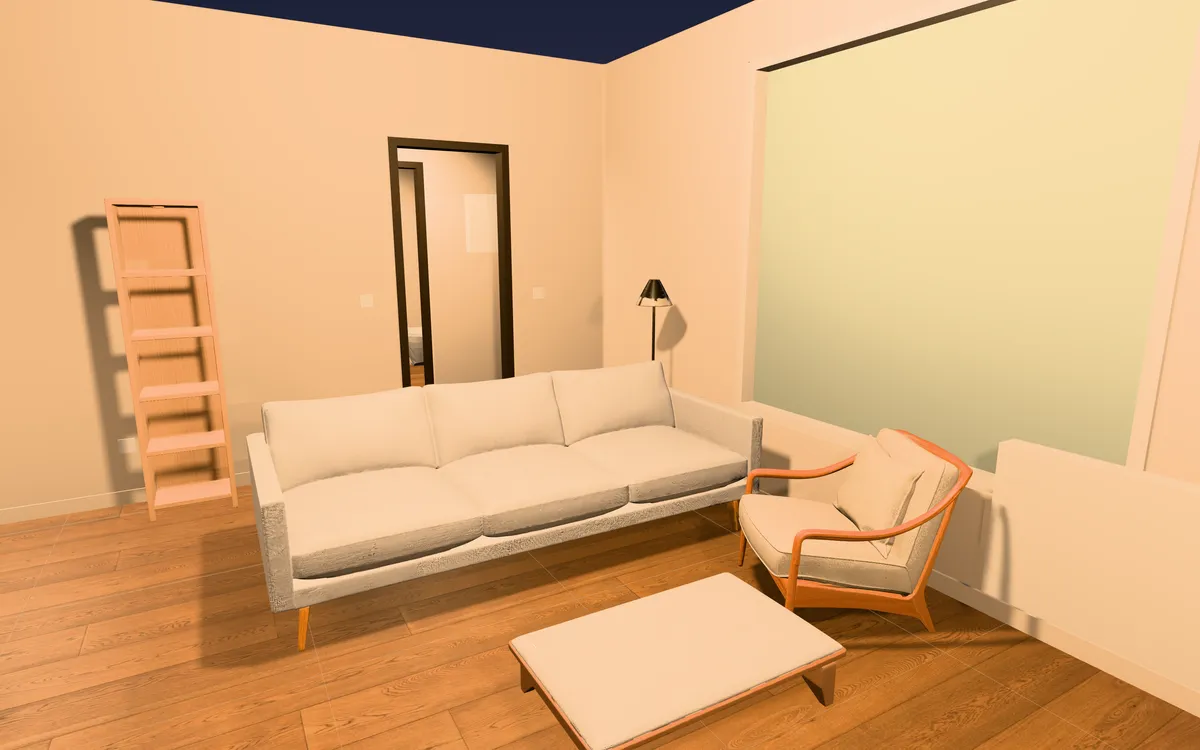
The tools that make it quick.
- Smart fill
- Click a wall on the plan image and the whole wall mass becomes a wall, snapped to the rest.
- Find walls
- One click reads the whole plan: walls in solid gray or black, or drawn as outlines, from a scan, a photo or a CAD drawing.
- Doors and windows
- Pick a door type and swing, set window width and sill height, all on the wall where they go.
- Stock catalog
- Furniture at true size, modeled on common contemporary pieces. Paid tiers will add pieces generated from a sentence.
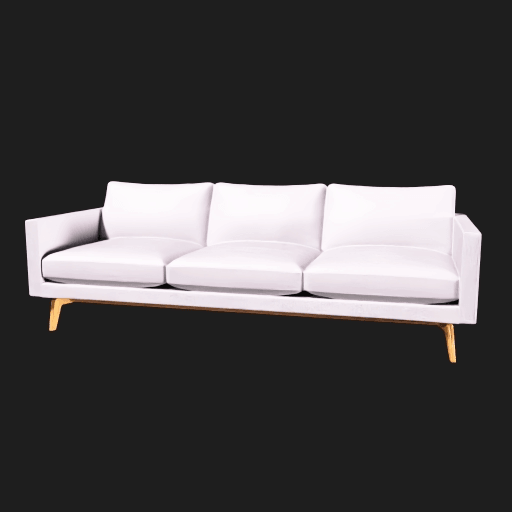

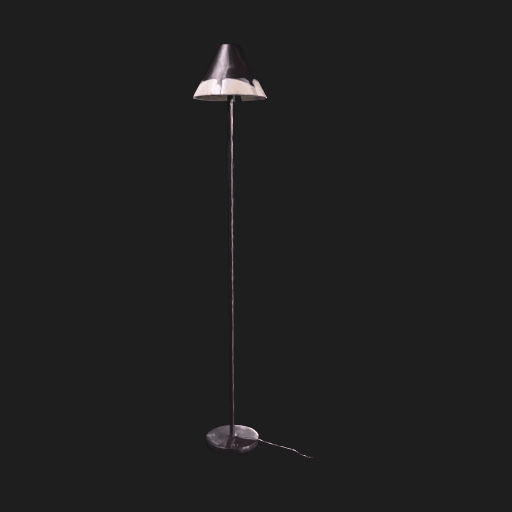
Stock pieces are original models based on common silhouettes. Not affiliated with, endorsed by, or made from any specific manufacturer's product data.
Free to draw, for good.
The full editor, the stock catalog and one cloud-saved project cost nothing. Paid tiers for studios are on the way.
See pricingQuestions
What is Layroom?
Layroom is a browser tool that turns a 2D floor plan into rooms you can walk through in 3D. Homeowners, renovators and architects use it to plan walls, electrical and plumbing points and furniture before the work starts.
Can I plan the electrical layout?
Yes. Place sockets, switches, lights and data points, link each switch to its lights, and every room shows how it compares with the recommended minimums (CEI 64-8 in Italy, NEC in the US). The check is guidance for planning; the certified design stays with your electrician.
Can I show what gets demolished and what gets built?
Yes. Every wall, door and fixture can be marked existing, new or to demolish. The plan draws each state the way a renovation drawing does, and the 3D shows the rooms after the work.
Can I hand the plan to a contractor?
Export a PDF with the measured plan, a symbol legend and the quantity of every point per room, or send a share link to a read-only 3D viewer.
Do I need an account?
No. The full editor and the stock catalog work without signing in. An account keeps one project saved in the cloud; paid tiers will add more.
Where is my data stored?
Anonymous projects stay in your browser and never leave the device. Signed-in projects sync to a database hosted in the EU, and plan images go to Cloudflare R2 in the EU.