Drop a plan.
Walk the room in 3D.
Two minutes from a phone photo to walking through the room. No CAD, no account, no exports.
Drop a 2D floor plan.
Walk a 3D room.
Two views. The plan you trace, and the room you step into. Walls and furniture share the same surface.
Drop the plan and Layroom traces the walls. Click two points to set the scale and you're inside the room. Walls and furniture live in the same 3D view, so you can drop a sofa next to the wall you just drew without switching modes or losing your place.
Not a CAD app. No ribbons, no licenses, no learning curve.
Not a cartoon planner. Furniture you'd actually buy. Rooms that read true.
Not an AI gimmick. AI is one tool here. The point is the room.
Layroom is a tool for people who have a floor plan and an opinion. Renters before they sign. Homeowners before they paint. Studios before they pitch. Drop the plan in, walk through the space, see if it works. That's it.
Four things the editor does well.
All in one browser tab.Click a wall, get a wall.
Drop a plan image. Click any wall and Smart fill grabs the wall mass under the cursor, simplifies the contour, and snaps it into the scene. Add barrier colors in the fill settings if a fill bleeds across a doorway. Manual draw mode is one click away if your plan's a hand sketch.
Filled blobs become walls.
Some plans don't draw walls as lines; they fill them solid. Click any gray-filled area and Magic fill grabs the contiguous region, unifies it into one wall along its long axis, and snaps the endpoints to the rest of the trace.
Doors, windows, height.
Switch to Build mode and click on the wall where the door goes. Pick window width on the spot. Wall heights are per-floor. Inspectors hover over the scene so the room never leaves your view.
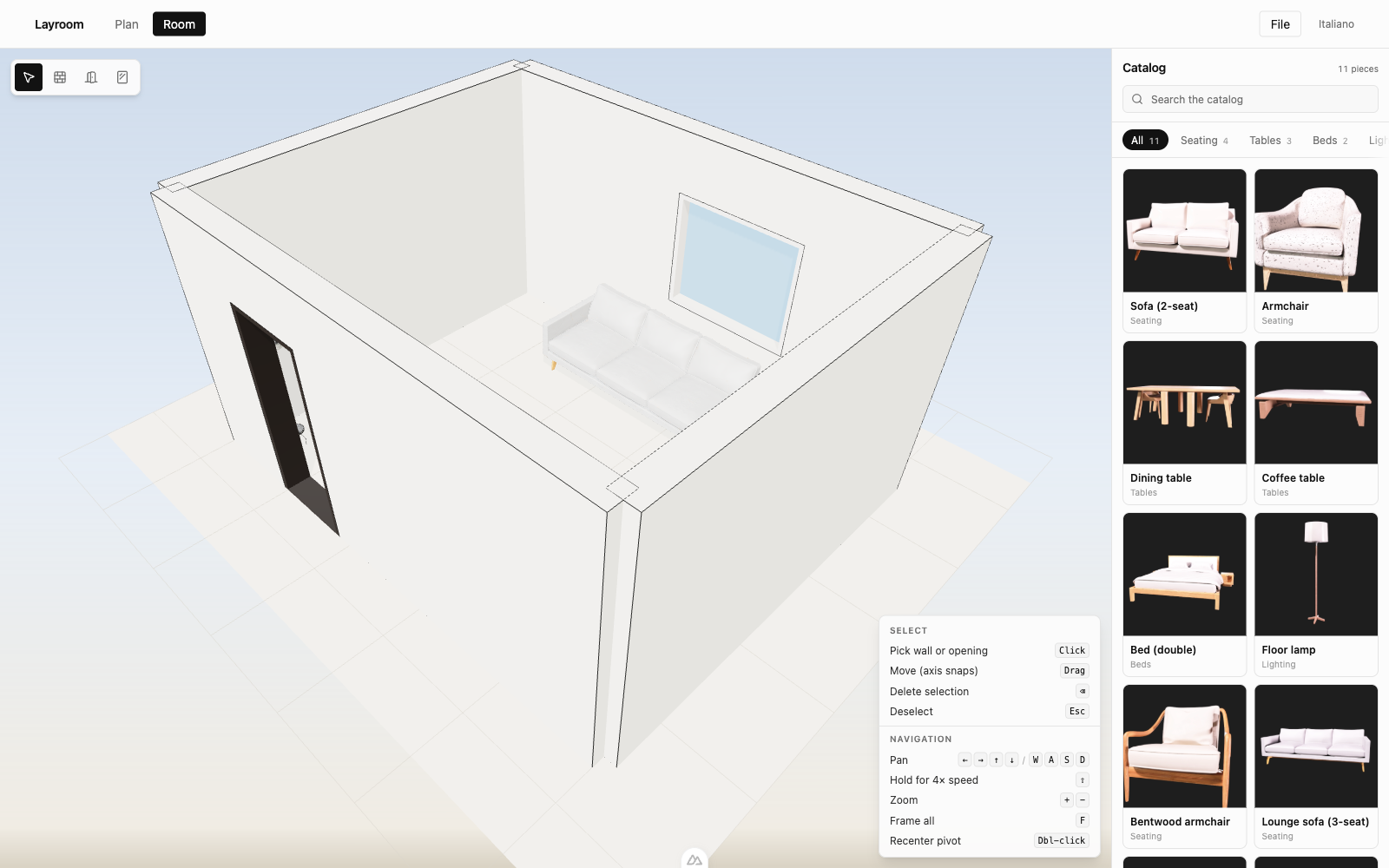
Stock catalog, or generated.
Free tier ships with a starter catalog: archetype pieces modeled on the silhouettes you'd find in the most-bought contemporary furniture (no licensed names, no copied SKUs). Paid tiers unlock on-demand generation: describe a piece in a sentence, get a 3D model you can drop into the room a few minutes later.
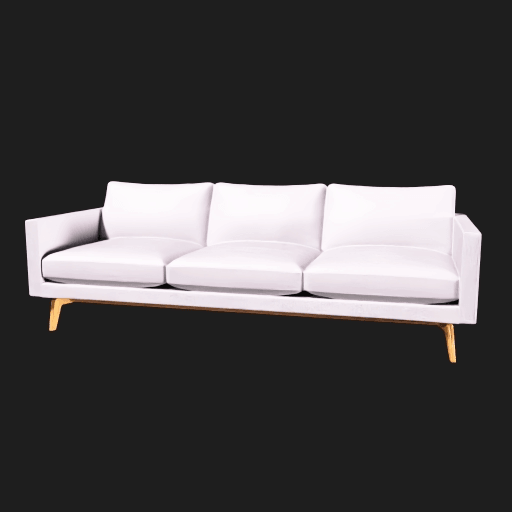
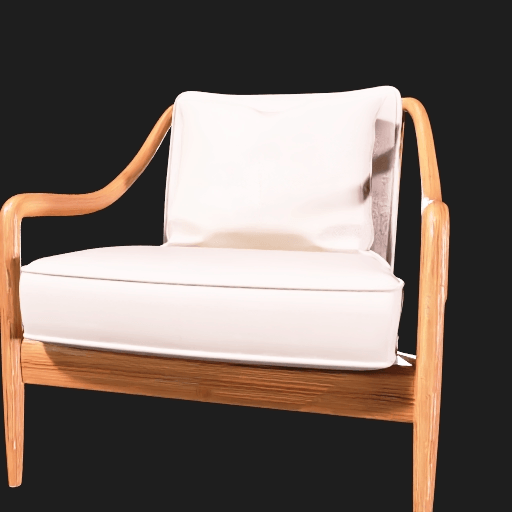
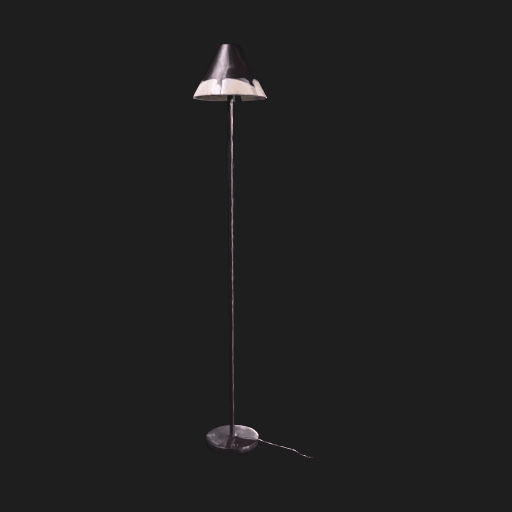
Stock pieces are original models based on common silhouettes. Not affiliated with, endorsed by, or made from any specific manufacturer's product data.
Free to draw. Forever.
See full pricing →- Free
- $0Full editor. Stock catalog. 1 cloud-synced scene.
- ProComing soon
- $12/mo50 AI generations a month. 50 saved scenes.
- StudioComing soon
- ContactUnlimited generations. Multi-user projects.